
Successful Inventory Management with ERP Software
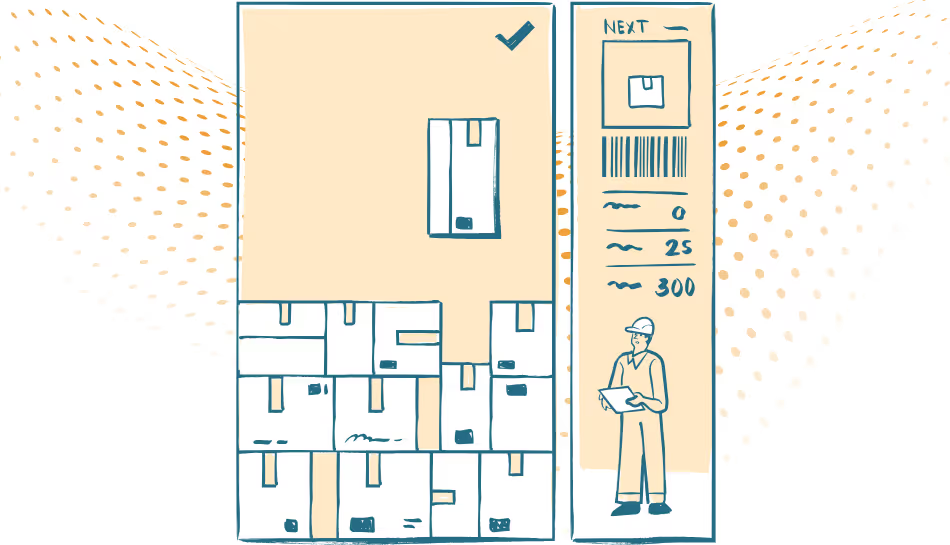
For any business, tracking stock is not just about counting items on shelves. Poor inventory management can lead to overstocking, stockouts, missed sales, and increased operational cost. That is why investing in the right ERP inventory management solution is essential for modern businesses.
A full-fledged ERP system for inventory management ensures that every unit of stock is tracked, accounted for, and optimally utilized. It makes the handling of the inventory smooth and minimizes manual errors, while providing insights to support smarter decisions.
Why ERP is a Must for Inventory Management
Traditional inventory management methods include spreadsheet-based approaches, manual counting of stock, and un-integrated software—all prone to mistakes that can cost businesses and consumer trust. With the help of an in-depth ERP inventory management module, companies are able to centralize all stock information, automate key workflows, and monitor inventory levels in real time.
With ERP for inventory, organizations can:
- Reduce wastage and overstocking
- Improve order fulfillment speed
- Track inventory across several locations
- Gain insight into inventory turnover and trends
- Integrate inventory with procurement, sales, and finance
This level of control allows for efficiency and supports business growth.
Core Features of an ERP Inventory Module
A powerful ERP inventory module provides facilities that ease stock management and integrate it with the larger business ecosystem.
1. Real-time Stock Tracking
Know the exact quantity in stock at any moment. Real-time visibility reduces errors, prevents stockouts, and helps in efficient planning of purchase orders.
2. Multi-Location Management
Businesses operating with warehouses or stores in different locations should have an ERP system that can manage their inventory to monitor the stock count across sites. This helps avoid duplicate orders or gaps in supply.
3. Automated Reordering
It can also automatically generate purchase orders once the stock has reached a defined threshold, so that items in higher demand will be replenished transparently.
4. Batch and Serial Number Tracking
For businesses dealing in perishable items or high-value items, batch number and serial number tracking becomes critical. The inventory module manages expiry dates, warranties, and traceability efficiently.
5. Integrated Reporting and Analytics
An ERP inventory management system produces detailed reports on the level of stock, rates of stock turnover, and also demand forecasts. These insights can help managers make informed decisions, decrease holding costs, and hence enhance profitability.
6. Integration with Other Modules
Inventory does not work in isolation. The ERP system's inventory management module connects to procurement, sales, finance, and production modules to make sure each transaction related to stock is updated automatically within the system.
Benefits of Using ERP for Inventory
- Saves time by automating manual stock processes
- Minimises errors and discrepancies in stock records
- Improves order fulfillment and customer satisfaction
- Supports data-driven purchasing and inventory strategies
- Provides scalable solutions for growing businesses
Besides making operations smoother, centralizing inventory management with ERP software reinforces overall business performance.
Final Thoughts
Effective inventory management is no longer optional; it's key to operational efficiency and, ultimately, profitability. The best ERP for inventory management enables the business to make correct records of stock, automate the replenishment process, and integrate inventory with wider business processes.
This is achieved through investments in a good, reliable ERP inventory module, enabling companies to minimize waste and positively impact their cash flow while making better decisions for growth.
Whether yours is a small enterprise or a large, multi-location business, ERP for inventory works to ensure that every product is where it should be, on time, all the time.