Bigsun Technologies logo
Book a Demo
☰

ERP for Builders, Developers & Contractors

Real Estate & Construction ERP Software for Better Project Control

Manage construction projects with greater visibility and control over estimates, budgets, materials, contractors, project progress, billing and financial performance. Bigsun Technologies helps businesses bring project information together through ERP-driven workflows.

CMMI appraised · ISO 27001 · ISO 22301 · ISO 20000 · HIPAA compliant

Illustration of a building under construction with a tower crane, beside BOQ, budget, site progress and purchase order panels BOQ Budget vs actual Site progress Purchase orders

Common challenges in running construction projects

These are patterns widely seen across the construction and real estate industry, especially where each department keeps its own spreadsheets.

01

Estimates and actuals drift apart

Reconciling the original estimate with what has actually been ordered, executed and paid takes time and manual effort.

02

Procurement is disconnected from site needs

Material requests, purchase orders and site stock are tracked separately, so shortages and over-ordering are hard to spot early.

03

Limited view of progress and spend

Management often sees project expenditure and physical progress only after reports are assembled by hand.

04

Slow contractor bill verification

Measuring work, checking quantities and routing approvals for contractor bills can delay payments and create disputes.

05

Information scattered across files

Project data spread across spreadsheets, emails and departments makes it difficult to work from one version of the truth.

How construction ERP brings operations together

A construction ERP connects the teams that touch a project, so planning, estimation, procurement, stores, site execution, contractor billing and finance all work from the same project record instead of separate files.

Bigsun's ERP software already connects financial accounting, procurement, inventory, approvals and reporting on one platform, and includes a BOQ module for projects, activities, BOQ items, vendor RFQs and purchase orders. Site execution, progress verification and contractor workflows are then scoped and configured around how your business actually works.

  • Project and estimation teams share one view of budgets and BOQ items
  • Procurement and stores see the same requirements and receipts as site teams
  • Finance sees commitments, bills and payments against each project
  • Management reads project information without waiting for manual compilation
Diagram of planning and BOQ, procurement, stores, site teams, contractors and finance connected to one shared project record One shared project record Planning & BOQProcurementStoresSite teamsContractorsFinance

From BOQ to execution: one connected process flow

Ten steps that a construction ERP can connect, from the first project plan to finance and cost reporting.

  1. 01

    Project Planning

    Create the project with dates and department, then assign the activities it needs.

  2. 02

    Estimation & BOQ

    Build activities from BOQ items with quantities, units and amounts, or as lumpsum.

  3. 03

    Budget Approval

    Set budgets by budget main head and activity block under your approval rules.

  4. 04

    Material Requisition

    Raise site requirements against approved activities and BOQ items.

  5. 05

    Procurement & Purchase Order

    Send RFQs to vendors and issue purchase orders through checker, verifier and approver levels.

  6. 06

    Goods Receipt & Inventory

    Record receipts and stock movements at each site store or warehouse.

  7. 07

    Site Execution

    Issue materials and record the work carried out on site.

  8. 08

    Progress & Quantity Verification

    Verify completed quantities before they are passed for billing.

  9. 09

    Contractor Billing

    Check bills against purchase order amounts and route them for approval.

  10. 10

    Finance & Cost Reporting

    Post to accounts and follow budget against orders, invoices and payments.

Connecting project estimates, material requirements, site execution, contractor billing and financial reporting helps teams work with consistent project information and better operational visibility.

Key ERP capability areas for construction and real estate

Eight areas that construction ERP software typically covers, explained in plain business terms.

Project Planning and Budgeting

Create projects with start and end dates and department, and set budgets by budget main head and activity block. Budget revisions, transfers and overrun controls can be configured to your approval rules.

Available in Bigsun ERP

BOQ and Estimation

Maintain masters for activity blocks, activity groups, activities and BOQ items with units of measurement and HSN codes. Build BOQ-based or lumpsum activities and view consolidated BOQ, terms and an Excel one-view.

Available in Bigsun ERP

Procurement and Vendor Management

Assign vendors to project activities and send RFQs by email. Purchase orders follow a checked, verified and approved hierarchy by department, with approval limits by amount.

Available in Bigsun ERP

Inventory and Material Management

Track goods receipt, stock movements and dispatch across warehouses and locations, so stores and project teams see the same material position.

Available in Bigsun ERP

Site Execution and Progress Tracking

Record material issues and work done on site against project activities, so physical progress can be read alongside cost.

Configured to your project

Contractor and Work Order Management

Issue work orders to contractors against project activities and follow measured quantities, running bills and approvals.

Configured to your project

Billing, Accounts and Financial Control

Vendor bills, payments, bank reconciliation and statutory reports sit on the same platform, and a bill cannot exceed its purchase order amount. See also Bigsun's Financial Accounting System.

Available in Bigsun ERP

Project MIS and Management Reporting

A BOQ dashboard summarises budget main heads, activity blocks, groups and activities. Budget-to-payment tracking, from budget to order, invoice, payment and cost to go, can be configured to your reporting needs.

Available in Bigsun ERP

Available in Bigsun ERP marks areas that are part of Bigsun's platform today. Configured to your project marks construction-specific workflows that are scoped and built around your requirements during implementation.

Business benefits of connected construction workflows

What teams can work towards when project, procurement, site and finance information is connected.

Better project cost visibility

Budgets, purchase commitments, receipts and bills in one place make it easier to see where each project's money is going.

Improved coordination across departments

Project, procurement, stores and finance teams work from the same information instead of reconciling separate files.

More traceable approvals and transactions

Approval workflows and audit trails help show who requested, approved and posted each transaction.

Clearer material and procurement visibility

Requisitions, purchase orders and goods receipts connected to each project give a clearer view of what is needed, ordered and received.

Easier monitoring of project progress

Work done and quantities verified can be viewed alongside spend, so progress is easier to follow across sites.

More informed management decisions

Centralised reports built on current data support reviews of cost, progress and outstanding payments.

Who can benefit from construction ERP

Construction ERP is relevant to the owners of the project and to every team that works on it. Bigsun configures its ERP around how your business already runs, with direct implementation and post-go-live support from the same team.

  • Real estate developers and builders
  • Residential and commercial construction companies
  • Infrastructure and civil contractors
  • Project managers and site engineers
  • Procurement, purchase and stores teams
  • Finance and accounts teams
  • Quantity surveyors and estimation teams
  • Management teams tracking cost, progress and profitability

Construction ERP Insights: Cost Savings, Project Control and Profitability

Four practical guides for builders, developers and finance teams on controlling cost, material, cash flow and every stage of a project.

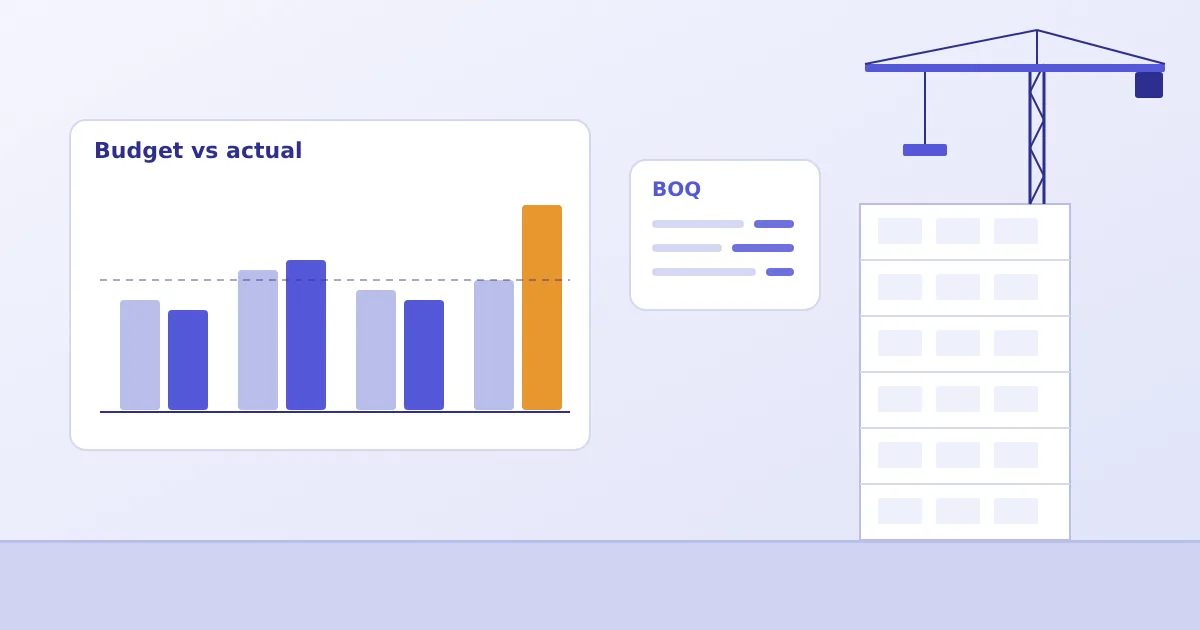
Budget versus actual bar chart and BOQ panel beside a building under construction

How Construction ERP Software Helps Reduce Project Costs and Improve Profit Margins

Cost overruns rarely arrive as one big event. See how BOQ-based budgets, purchase controls and contractor bill checks show variances while there is still time to act.

Read Article
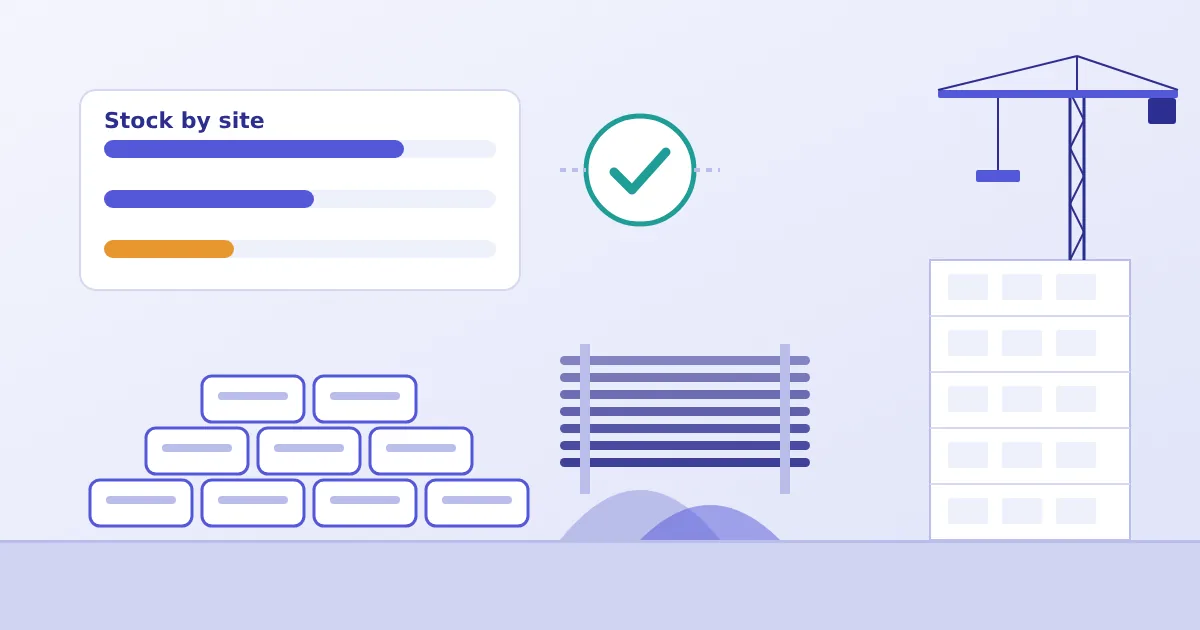
Stacked cement bags, steel bars and a stock-by-site panel with a reconciliation tick

The Hidden Cost of Material Waste in Construction and How ERP Software Helps Control It

Wastage, over-ordering and emergency purchases quietly drain project margins. Learn how receipts, issues and BOQ-versus-consumption checks make material loss visible.

Read Article
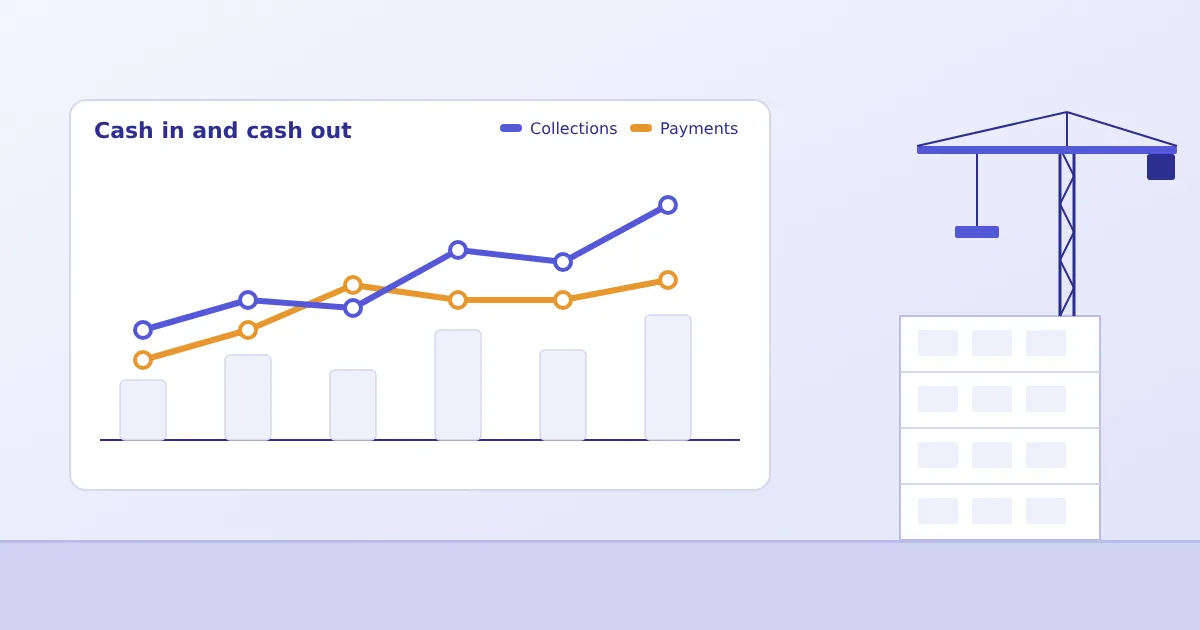
Line chart of collections against payments beside a building under construction

How Construction ERP Software Improves Cash Flow, Project Cost Control and Profitability

A profitable project can still run short of cash. Read budget, commitments, bills and collections side by side, and see what owners and finance heads should ask for.

Read Article
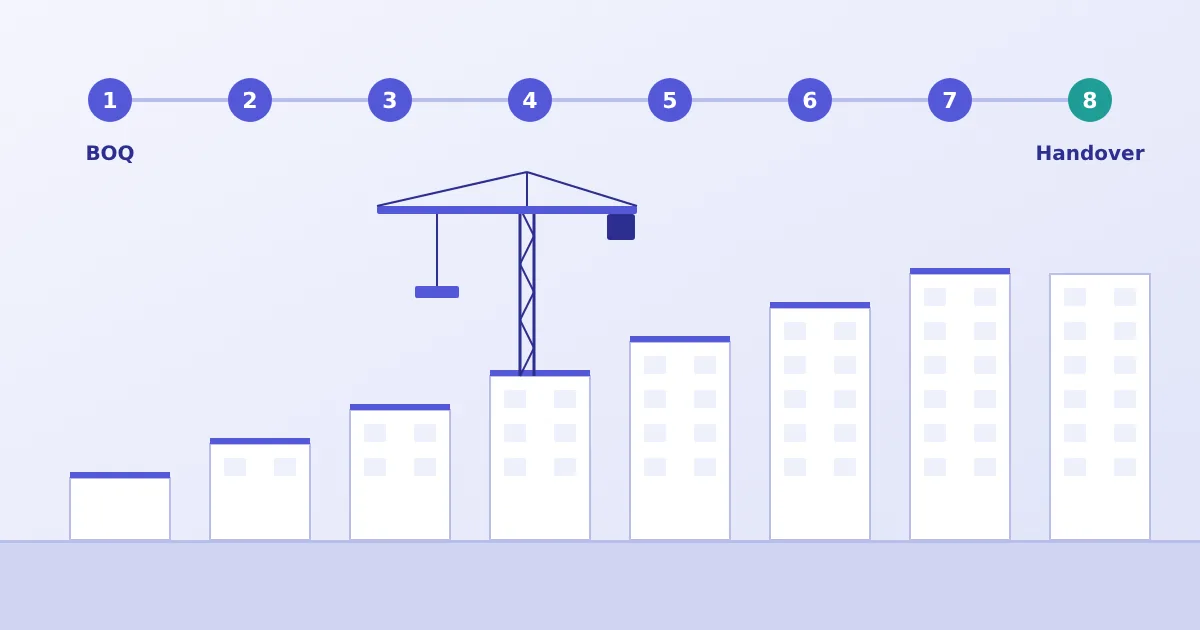
Eight numbered project stages from BOQ to handover above a building rising in steps

From BOQ to Handover: How Construction ERP Connects Every Stage of a Real Estate Project

Follow a project from BOQ and budget through procurement, stores and contractor billing to handover, and see what developers should check before choosing an ERP.

Read Article

Frequently asked questions about construction ERP

What is real estate and construction ERP software?

It is business software that brings the main activities of a construction or property development company into one system: estimation and budgets, purchasing, stores, site work, contractor billing and accounts. Instead of each department keeping its own spreadsheets, teams work from shared, up-to-date project information.

How can ERP help manage construction project costs?

When budgets, purchase orders, material receipts, contractor bills and accounting entries are recorded in the same system, spending can be compared with the approved budget project by project. That gives project and finance teams earlier visibility of cost heads running ahead of plan, instead of waiting for month-end reconciliation.

What is the role of BOQ in construction ERP?

A Bill of Quantities lists work items with their quantities, units and rates. In an ERP, the BOQ becomes the reference for budgets, vendor enquiries and purchase orders, so planned quantities and costs can be compared with what is ordered, received and paid. Bigsun's BOQ module lets you set up activities from BOQ items and attach terms and descriptions to each activity.

How can ERP connect procurement with site material requirements?

Site requirements are raised against project activities and flow into vendor enquiries, approvals and purchase orders. Goods received at the store update inventory, so procurement, stores and project teams see the same position. Bigsun's ERP supports vendor RFQs, purchase orders with checker, verifier and approver levels, and goods receipt; project-specific rules are scoped during implementation.

How can ERP help track contractor bills and project expenditure?

Work orders, measured quantities, running bills and approvals can be routed through a defined workflow and posted to accounts once approved. This creates a traceable trail from order to payment and lets finance see committed and paid amounts against each project. In Bigsun's ERP, a bill cannot be raised for more than its purchase order amount; bill formats and deductions are configured to your contracts.

What should a business evaluate before implementing construction ERP?

Start by listing your real workflows: how estimates and BOQs are prepared, who approves budgets and purchase orders, how materials move between stores and sites, how contractor work is measured and billed, and which reports management needs. Then check how well the software can be configured to those workflows, how it handles GST and statutory requirements, whether it supports multiple projects, sites and companies, how data will be migrated, and what training and support follow go-live.

How can a company request a demonstration from Bigsun Technologies?

Use the demo request form on this page, call Bigsun sales on +91 98202 98089, or email gs@bigsunworld.com. Share a few details about your projects and current processes so the walkthrough can focus on your requirements.

Talk to us about your construction ERP requirements

Tell us about your projects and how your teams work today. Our team will walk you through the platform with your workflows in mind — no obligation.

  • Personalized demo with an ERP consultant
  • Honest fit assessment for your business
  • Reply within one business day
+91 98202 98089 (Sales) gs@bigsunworld.com

Request a Demo

All fields marked * are required.

Please enter your name.

Please enter your company name.

Please enter a valid email address.

Please enter a valid 10-digit phone number.

Please tell us briefly what you need.

Bring Better Visibility to Your Construction Projects

Explore how ERP-driven workflows can help connect project planning, BOQ, procurement, site operations and financial reporting.

Request a Demo Explore ERP Brochure