
From BOQ to Handover: How Construction ERP Connects Every Stage of a Real Estate Project
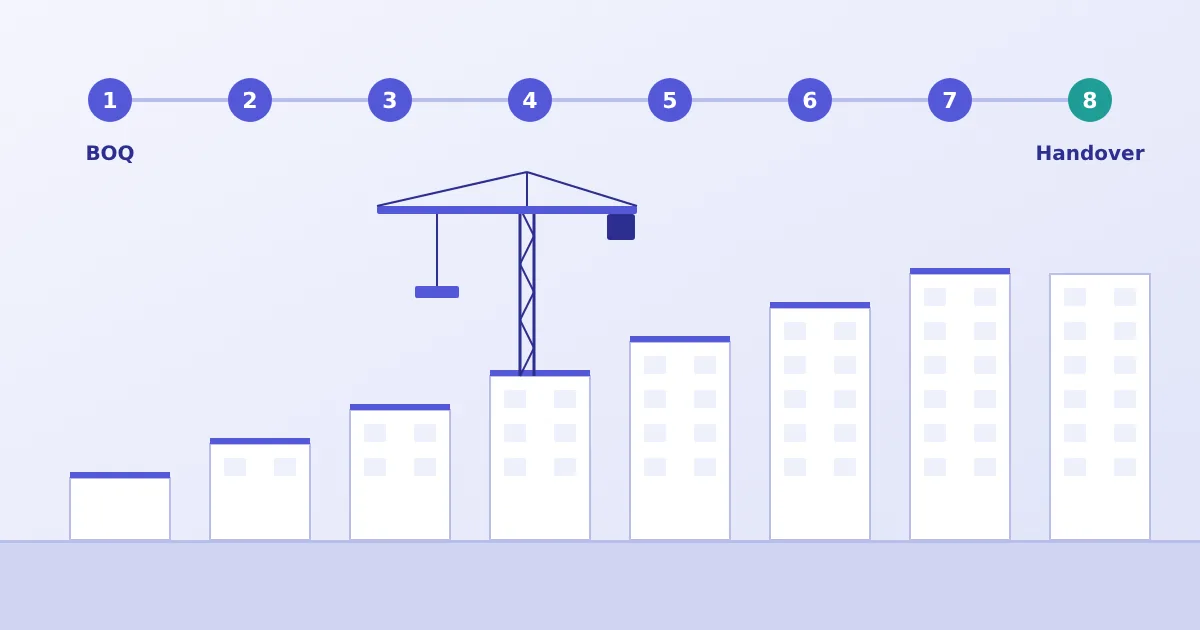
A real estate project passes through many hands. An estimator prepares the BOQ. A planning engineer breaks it into work packages. Purchase raises orders, stores receive material, site engineers execute work, contractors submit bills, accounts book and pay them, and sales or customer relations raise demands. Each team does its job competently. The trouble is what happens between them.
This article follows a project from first estimate to handover and shows where a connected real estate construction ERP changes what each stage can see of the others. It ends with a practical checklist for developers who are choosing software.
Stage 1: Estimates, BOQ and project budget
The project's financial life begins with an estimate built from drawings, specifications and rates. It is turned into a BOQ, and then into a budget approved by management.
The risk at this stage is that the estimate lives in a file that is not used again. If the BOQ items, quantities and amounts are entered into the system as the project's reference, later transactions can be measured against them. In Bigsun's ERP, projects are created with dates and department, activities are built from BOQ items or as lumpsum, and budgets are set by budget main head and activity block. Consolidated BOQ, terms and an Excel one-view are available for review.
Stage 2: Work planning and execution
Planning translates the budget into a sequence: which activities start when, which need long-lead materials, which are given to contractors. The connected view is useful here because the plan is linked to the budget. A planned pour with no approved material requirement behind it is a gap that can be seen early.
Detailed scheduling tools are a specialist area, and many firms continue using dedicated scheduling or real estate project management software alongside ERP. What matters is that activities in the plan and activities in the budget use the same names and codes, so that cost and progress can later be read together.
Stage 3: Procurement and vendor management
Procurement turns approved requirements into commitments. Vendors are assigned to project activities, enquiries are sent, quotations compared, orders approved. Bigsun's ERP supports RFQs by email and purchase orders through checker, verifier and approver levels by department, with approval limits by amount.
The connection to earlier stages is what gives these controls meaning: an order is placed against a budgeted activity and BOQ item, so overspending a quantity or rate is visible at the moment of approval. For the cost-control side of this, see how construction ERP helps reduce project costs.
Stage 4: Inventory and material issue tracking
Goods receipt records what arrived against which order. Stock movements and issues record where it went. Site stores are the point where physical reality meets the system, and the accuracy of everything downstream depends on how carefully this is done. Material consumed against an activity can then be compared with what the BOQ allows. Our article on material waste and inventory control goes into this stage in detail.
Stage 5: Contractor management and billing
Work is awarded through work orders. As work is executed, quantities are measured, verified and billed. The verification step is the control point: a bill should reflect work that has been measured and passed, within the work order value.
Bigsun's ERP checks bills against purchase order amounts and routes them for approval. Contractor work orders, measured quantities and running-bill workflows are configured to your project and contracts, since measurement methods, retention terms and deductions differ across businesses.
Stage 6: Site progress and cost monitoring
Progress is useful only when read next to cost. A structure that is 60% complete with 75% of its budget committed is a different conversation from one that is 60% complete with 50% committed. To make that comparison, quantities verified for billing and costs booked against the same activities need to be available together.
This is also where the BOQ dashboard helps, summarising budget main heads, activity blocks, groups and activities. Progress measurement is only as good as the site team's discipline in recording it, and the system cannot compensate for entries that are late or estimated.
Stage 7: Customer billing, where applicable
For developers, construction milestones connect to customer payment plans. For contractors, the client's running bills follow measured work. Both need the progress record to be dependable. Customer-side billing arrangements differ widely, so confirm in your requirement list how demands, receipts and follow-up should work. Our article on cash flow and project profitability covers why this link affects liquidity.
Stage 8: Completion, final costing and handover
At completion, the questions are: what did the project cost against the budget, which heads varied and why, what retention or final bills remain, and what documentation must pass to the customer or the next phase.
With connected data, final costing is a report rather than a reconstruction exercise. Without it, finance teams often spend weeks assembling bills and stock records, and the lessons arrive too late to improve the next project's estimate. A clean final cost by head is arguably the most valuable input to the next tender.
What disconnected spreadsheets and separate systems cost you
Spreadsheets are not the enemy. They are flexible, familiar and quick. Problems appear at the joins:
- Re-entry. The same purchase order is typed into purchase, stores and accounts, each time with a chance of error.
- Version confusion. Three copies of the budget exist, and meetings begin by agreeing which is current.
- Delay. Management reports are compiled by hand, so they describe last month.
- No audit trail. When a figure is questioned, nobody can say who changed it or when.
- Dependence on individuals. The one person who understands the master sheet becomes a risk.
Separate systems create the same problem on a larger scale. A purchase module, a stores package and an accounting system that do not talk to one another need reconciliation between each pair.
What developers should evaluate before selecting construction ERP
- Your actual workflows. Write down how estimates are prepared, who approves budgets and orders, how stock moves, how contractor work is measured and how customers are billed. Ask vendors to demonstrate those exact flows.
- BOQ handling. Can the BOQ be the reference for budgets, enquiries and orders, and can revisions be controlled?
- Approval flexibility. Can approval levels and limits be configured to your hierarchy?
- Multi-project, multi-site, multi-company support, if your structure requires it.
- Finance integration. Do project transactions post to accounts without re-entry, and are GST and statutory needs covered?
- Customer billing scope. Check demand letters, payment plans and collections explicitly.
- Reports. Ask to see budget versus commitment versus actual, and cost to go, on realistic data.
- Data migration. What existing masters and open balances need to move, and who prepares them?
- Training and support after go-live. Who supports your site users when they have questions?
- Honest boundaries. A good vendor will say what is standard, what is configured and what is outside scope.
The value of one connected view
The point of connecting these stages is not a prettier dashboard. It is that a decision at one stage can be made with knowledge of the others: approving an order with the budget balance in view, planning a pour with stock in view, releasing a payment with commitments in view. That is what Bigsun's Construction ERP is designed to support, with BOQ, procurement, inventory, billing and reporting on one platform and construction workflows configured to your projects.
To see how this maps to your own projects, visit the Construction ERP page and request a demonstration. Share a few details about your current process so the discussion can be specific.