
How Construction ERP Software Helps Reduce Project Costs and Improve Profit Margins
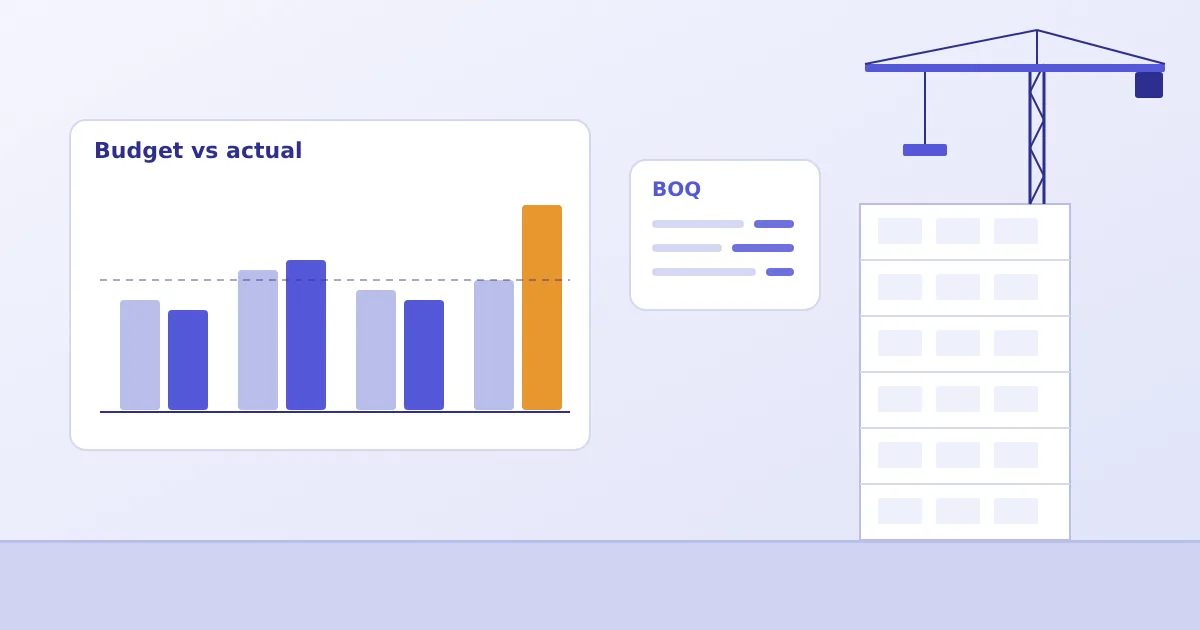
Most construction managers can name a project that started with a comfortable margin and ended with a thin one. Nobody decided to overspend. The money left in small amounts: a purchase order placed at a higher rate than the estimate, a second lot of steel ordered because the first lot's balance was unclear, a subcontractor's running bill that crossed the work order value. Each item looked reasonable at the time. Together they changed the result.
This article looks at how construction ERP software helps a builder or developer see those movements while there is still time to act. It also says plainly what software cannot do, because an ERP records and connects decisions; it does not make them.
Why construction budgets exceed estimates
An estimate is prepared once, usually by a small team, often in a spreadsheet. Execution is carried out by many people over many months: site engineers, purchase officers, store keepers, accounts staff, contractors. The estimate rarely travels with them. By the time cement is ordered for the fourth floor, the buyer is working from a requisition and a vendor quotation, not from the estimate.
The usual reasons budgets slip are practical ones:
- Rates in the estimate are not refreshed, and purchases are made at current market prices without anyone comparing them to the budgeted rate.
- Quantities ordered exceed BOQ quantities because the BOQ balance is not visible to the buyer.
- Scope changes are executed on site before they are priced and approved.
- Contractor bills are verified against measurement sheets that no one reconciles with the work order.
- Finance learns about commitments only when the bill arrives.
None of these is dramatic. All of them are hard to catch when budget, purchase and accounts data sit in different files.
BOQ-based budgeting and cost estimation
A Bill of Quantities is the natural starting point because it already breaks the project into measurable work items with quantities, units and rates. In an ERP, the BOQ stops being a document that is filed after tendering and becomes the reference everything else is compared with.
Whether a buyer calls it BOQ management software or construction budgeting software, the test is the same: can the BOQ be the reference that every later transaction is compared with? In Bigsun's ERP, masters are maintained for activity blocks, activity groups, activities and BOQ items, with units of measurement and HSN codes. Activities can be built from BOQ items or set up as lumpsum, and budgets are set by budget main head and activity block. The practical benefit is simple: when a purchase order is raised, it can be tied to the activity and BOQ item it belongs to, so the question "how much of this item has already been ordered?" has an answer inside the system.
Good BOQ-based budgeting also needs discipline outside the software. Item descriptions need to be consistent, units need to match what the store actually receives (tonnes versus kilograms is a classic problem), and revisions need an approval trail instead of overwriting the original.
Purchase order and procurement controls
Procurement is where most budget decisions are actually executed. A purchase order is a commitment: once placed, the money is largely spent, even if nothing has been delivered. Controls here are therefore worth more than controls on payment.
Good construction procurement software keeps the buyer inside the budget without slowing the site. Useful controls include vendor enquiries (RFQs) sent against specific project activities, comparison of quotations before ordering, and approval levels that match the value of the order. Bigsun's ERP supports vendor RFQs by email and purchase orders that pass through checker, verifier and approver levels by department, with approval limits by amount. Overrun controls and budget transfers can be configured to your approval rules.
The aim is not to slow purchasing. A site that is waiting for material will find a workaround, and workarounds are expensive. The aim is that an order above the budgeted rate or quantity is a visible, approved exception rather than a surprise on the monthly report.
Material consumption and inventory monitoring
Stock is cash that has been converted into cement bags and steel bars and left on site. When goods receipts are recorded at the store and issues are recorded against activities, management can compare what was bought, what was received and what was used. When they are not, the difference quietly becomes a cost overrun. This theme is large enough to deserve its own treatment; see our article on material waste and construction inventory management software.
For cost control, the relevant point is timing. A consumption report that shows excess steel issue in week six lets the project team investigate while shuttering and bar bending are still under way. The same report in month six only explains a loss.
Subcontractor billing and expense tracking
Contractor bills are among the largest and least standardised expenses in a project. Work is measured, rates are agreed, deductions apply for advances, retention, material issued free of cost, and statutory items. If each bill is built in a separate sheet, the running total against the work order is only as reliable as the person maintaining it.
Within the system, work orders, measured quantities, running bills and approvals can be routed through a defined workflow and posted to accounts once approved. In Bigsun's ERP, a bill cannot be raised for more than its purchase order amount. That one rule prevents a surprising number of disputes. Bill formats and deductions are configured to your contracts, because every builder's contract terms differ.
Budget-versus-actual cost comparisons
Budget versus actual is the report everyone asks for. It is only useful if "actual" includes commitments and not merely paid amounts. A cost head can look healthy on a paid basis and still be heavily over budget on a committed basis.
Illustrative example (assumed figures, not from any real project). A BOQ line for structural steel allows 120 tonnes at a budgeted rate of ₹60,000 per tonne, a budget of ₹72,00,000. The buyer places an order for 128 tonnes at ₹62,500 per tonne, a commitment of ₹80,00,000.
| Item | Quantity (t) | Rate (₹/t) | Amount (₹) |
|---|---|---|---|
| BOQ budget | 120 | 60,000 | 72,00,000 |
| Purchase order | 128 | 62,500 | 80,00,000 |
| Variance | +8 | +2,500 | +8,00,000 |
The variance is about 11% of the budget before a single tonne has been used. If this is visible on the day the order is approved, management can ask whether the extra quantity is justified, whether the rate is acceptable, and which other cost head will absorb the difference. If it surfaces when the final bill is paid, the only decision left is how to explain it.
How management can identify cost overruns earlier
Earlier visibility depends on three things working together: commitments recorded at the time of ordering, receipts and issues recorded at the time of movement, and bills checked against orders at the time of submission. When all three feed the same project record, a cost head that is running ahead of plan shows up as the data is entered, not at month-end reconciliation.
Bigsun's ERP includes a BOQ dashboard that summarises budget main heads, activity blocks, groups and activities, and budget-to-payment tracking from budget to order, invoice, payment and cost to go can be configured to your reporting needs. What the team sees depends on how consistently the underlying entries are made.
Practical steps to improve project cost control
- Clean up the BOQ masters first. Standardise item names, units and codes before loading anything.
- Fix the approval hierarchy on paper. Decide who checks, verifies and approves purchases at which value, then configure that.
- Link every purchase to an activity. Orders without a project activity cannot be compared with a budget.
- Record receipts on the day of delivery. A delayed goods receipt makes a good report look wrong.
- Treat changes as transactions. Scope additions and budget transfers should be raised and approved, not absorbed.
- Review budget versus commitment weekly, not only budget versus payment monthly.
What an integrated ERP can and cannot do
Integrated construction ERP gives project, procurement, stores and finance teams one version of the numbers. That removes reconciliation effort and shortens the time between an event and its visibility. It does not guarantee savings, and anyone promising a fixed percentage without knowing your processes is guessing. Results depend on how your teams use the system, how good your estimates are and how quickly people act on what the reports show.
If you are comparing options, start with a list of how your projects actually run today and ask each vendor to walk through those workflows. To see how Bigsun approaches BOQ, procurement, inventory, contractor billing and reporting, visit the Construction ERP page or ask for a demonstration built around your projects. Our companion articles on cash flow and project cost management and the BOQ-to-handover project lifecycle cover the finance and lifecycle views in more detail.