
10 Reasons to Choose the Best Manufacturing ERP Software for Your Business
Most manufacturing businesses do not struggle because they lack effort. They struggle because information is scattered. Production plans sit in one spreadsheet, stock in another, purchase orders in email and costs in the accounts team's files. By the time the numbers are put together, the decision they were meant to support has already been made.
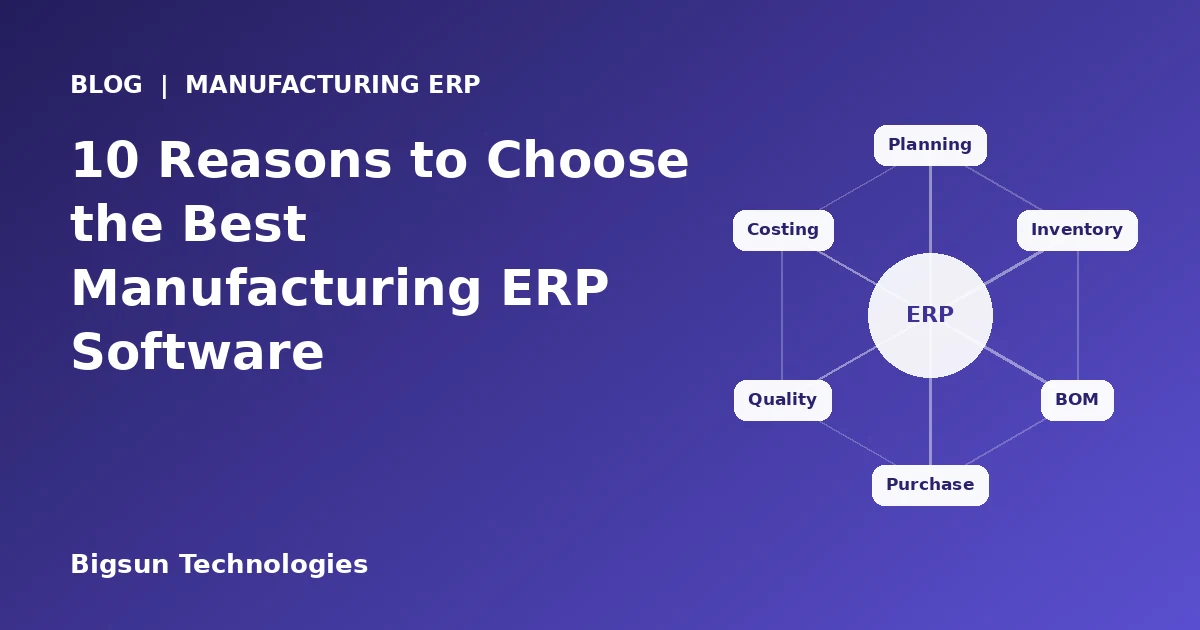
Manufacturing ERP software is built to fix that. It brings planning, inventory, purchasing, production, quality and finance into one system, so a change in one place is visible everywhere else. This guide explains what manufacturing ERP does, where manual processes fall short, ten practical reasons to implement it, and how to evaluate a solution before you buy.
What Is Manufacturing ERP Software?
ERP stands for enterprise resource planning. A manufacturing ERP, sometimes called manufacturing management software, covers the core processes of a factory or production business: demand and production planning, bills of material (BOM), raw material and finished goods inventory, procurement, shop-floor production, quality checks, costing, sales, dispatch and financial accounting.
The defining feature is a single shared database. When a purchase order is received, stock updates. When material is issued to production, inventory and cost update. When goods are dispatched and invoiced, receivables and tax data update. Nobody has to re-enter the same information in a different file.
Challenges Manufacturing Companies Face Today
Whether you run a single plant or several locations, the same problems tend to appear as a business grows:
- Production schedules that change daily, with no clear view of material or capacity
- Stock records that do not match what is physically in the warehouse
- Stock-outs of critical raw material, or excess inventory that ties up cash
- Unclear product cost, because material, labour and overhead are tracked separately
- Purchase decisions made without knowing what is already on order or in stock
- Quality issues found late, after material has been used or goods have been dispatched
- GST, e-invoice and e-way bill data prepared manually from several sources
- Reports that take days to assemble at month-end
Why Spreadsheets and Disconnected Systems Create Problems
Spreadsheets and standalone tools work well in the early days. The trouble starts when several people depend on them at the same time.
- Duplicate entry: the same item code, quantity or rate is typed in several places, and small differences multiply.
- No single version of the truth: purchase, stores, production and accounts each hold a slightly different number.
- Delayed visibility: managers see yesterday's or last week's position, not the current one.
- Weak control: without approval workflows and audit trails, it is hard to know who changed what and when.
- Dependence on individuals: critical knowledge lives in a few people's files and heads.
None of this means a manufacturer was doing something wrong. It means the business has grown beyond what manual coordination can reliably support.
10 Reasons to Choose Manufacturing ERP Software
Reason 1: Production planning and scheduling you can rely on
Good production planning starts with knowing what you need to make, what material you have and what capacity is available. A manufacturing ERP links sales orders and forecasts to production plans, and shows material availability before a job is released. Planners can reschedule when priorities change and see the effect on other orders, instead of discovering the clash on the shop floor.
Reason 2: Accurate inventory and raw material management
ERP tracks raw material, work in progress and finished goods by item and by location, with every receipt, issue, transfer and return recorded as it happens. Minimum stock levels and reorder alerts help you avoid both shortages and over-buying. Batch or lot tracking, where your products need it, also makes it easier to trace material when a question arises later.
Reason 3: BOM and production management in one place
The bill of material defines what goes into a product. When the BOM lives inside the ERP, a production order can calculate material requirements automatically, issue material against it, and record actual consumption against the standard. Differences between planned and actual usage become visible early, which is where many hidden losses sit. Revisions to a BOM can also be controlled, so production always works from the approved version.
Reason 4: Smarter purchase and procurement management
Procurement works best when it is driven by real requirements. An ERP can raise purchase requisitions from planned demand and stock levels, route them for approval, convert them to purchase orders, and match goods receipt and vendor bills. Buyers can see what is already on order, compare vendor rates and delivery history, and avoid duplicate or emergency purchases.
Reason 5: Quality control built into the process
Quality checks are most useful when they happen at the right stage: on incoming material, during production and before dispatch. ERP allows inspection points to be defined in the workflow, results to be recorded against the batch or order, and rejected material to be held back from stock or production. Over time, the data shows which suppliers, processes or products cause the most rework.
Reason 6: Financial integration and real costing
When production, inventory and accounts share a database, the financial impact of operations is posted as it happens. Material consumption, wastage and production output feed into costing, and purchase and sales documents flow into payables, receivables and the general ledger. Finance teams spend less time reconciling stock registers with books, and management gets a more reliable view of product-level cost and margin.
Reason 7: Real-time reporting and business visibility
Owners and plant heads need answers quickly: What is pending for production? Which orders are at risk? How much stock do we hold, and where? What did this product really cost? ERP reporting works from live transactions, so these questions can be answered from dashboards and standard reports instead of from a manual compilation exercise.
Reason 8: GST and Indian compliance handled in the system
Indian manufacturers deal with GST invoicing, HSN codes, input tax credit, e-invoicing where applicable, e-way bills for movement of goods, and job work documentation when processing is outsourced. Keeping these inside the ERP means tax data is captured from the original transaction, not retyped later. It also helps your accounts team prepare returns and reconcile purchase data with fewer manual steps. Compliance rules change, so ask any vendor how updates are delivered and supported.
Reason 9: Control across plants, warehouses and companies
As a business adds locations or group companies, coordination becomes harder. A multi-location ERP lets you see stock, production and financial position by plant or entity, move material between locations with proper documentation, and consolidate reporting without collecting files from each site. Approval workflows and role-based access keep control with the right people.
Reason 10: A foundation that scales with the business
A system that works for ten users and one plant should not collapse at fifty users and three plants. A scalable ERP lets you add users, products, locations and modules without starting again, and connects with other tools through integrations and APIs. This protects your investment and avoids a disruptive replacement a few years later.
Manual Processes vs Manufacturing ERP at a Glance
| Area | Spreadsheets and disconnected tools | Manufacturing ERP |
|---|---|---|
| Production planning | Plans built manually; material and capacity checked separately | Plans linked to orders, BOM and stock availability |
| Inventory | Periodic updates; mismatches discovered at stock-take | Transaction-level updates by item and location |
| Purchasing | Based on memory, email and follow-ups | Requisition to PO to receipt with approvals |
| Costing | Estimated after the fact | Material, consumption and output feed costing |
| Compliance data | Compiled from several files | Captured from original sales and purchase documents |
| Reporting | Assembled manually at month-end | Available from live data |
How to Evaluate Manufacturing ERP Software
Choosing the best manufacturing ERP software is less about a long feature list and more about fit. A practical evaluation usually follows these steps:
- Document your own processes first. Map how an order moves from enquiry to dispatch to payment, including approvals and exceptions.
- Shortlist vendors with relevant experience. Ask about manufacturing implementations similar to yours in size and process type.
- Insist on a scenario-based demo. Ask the vendor to run a real BOM, production order, purchase cycle and costing report, not a generic presentation.
- Check compliance depth. Confirm how GST, e-invoicing, e-way bills and statutory reports are handled.
- Understand the implementation model. Who handles requirement analysis, configuration, data migration, training and post go-live support?
- Look at total cost, not just licence cost. Include implementation, customisation, training, support and future upgrades.
- Speak to existing users where possible. Ask about support responsiveness and how the system handled real-world change.
Important Features to Consider Before Selecting a Solution
| Capability | What to look for | Question to ask the vendor |
|---|---|---|
| Production planning | Order-linked plans, material availability, rescheduling | Can you show a plan changing when an order is added? |
| BOM management | Multi-level BOMs, revisions, planned vs actual consumption | How are BOM changes controlled and approved? |
| Inventory | Item, batch and location tracking, reorder levels | Can stock be tracked across plants and warehouses? |
| Procurement | Requisitions, approvals, PO, receipt and bill matching | How does the system prevent duplicate or unapproved buying? |
| Quality control | Inspection points, hold or reject, history by batch | Where in the process can inspections be recorded? |
| Costing and finance | Costing from consumption, integration with ledgers | How is product cost calculated and posted? |
| Compliance | GST, e-invoicing, e-way bill, audit trails | How are statutory changes delivered? |
| Reporting | Dashboards, MIS, filters by plant and product | Can we build the reports our management uses? |
| Security and control | Role-based access, approval workflows, logs | Who can change what, and is it recorded? |
| Integration | APIs and connections to other systems | What have you integrated with before? |
How Bigsun Manufacturing ERP Can Help Your Business
Bigsun Manufacturing ERP is designed to help manufacturers plan production, manage plant maintenance and keep inventory in step with demand. It connects plants, warehouses and finance on one platform, so decisions can be made on live numbers rather than on figures collected after the fact.
Bigsun's ERP platform also covers the processes that sit around production, including procurement, sales and order management, financial accounting, approvals and reporting, with GST, e-invoicing and audit trails built in. Workflows, approvals and reports are configured around how your business already runs, not the other way around.
Bigsun Technologies is an Indian enterprise software company with 17+ years of experience, and the same team handles requirement analysis, configuration, data migration, user training and post go-live support. To see how a multi-location manufacturing and distribution business approached this, read the ERP implementation case study.
Every manufacturing business is different, so the best way to judge fit is to see the system on your own process. Ask for a walkthrough using your products, BOMs and approval flow.
Final Thoughts
Manufacturing ERP software will not fix a poorly defined process, but it makes good processes repeatable, visible and easier to scale. The strongest business cases usually come from simple things: fewer stock surprises, earlier warning on delays, clearer costing and less manual compliance work.
Start with your own workflows, test vendors against real scenarios and look beyond price to implementation and support. If you would like to see how Bigsun Manufacturing ERP could work for your plants, our team will be happy to walk you through it.
Related Reading
- 5-Step Guide to Choosing the Perfect ERP Software for Your Business
- Eliminating Manufacturing Delays and Manual Errors with ERP Automation
- Cost of Financial Accounting Software (FAS) in India
- Test yourself: Manufacturing & Inventory Quiz
- Bigsun ERP Software