
Cost of Financial Accounting Software (FAS) in India: What Really Drives the Price
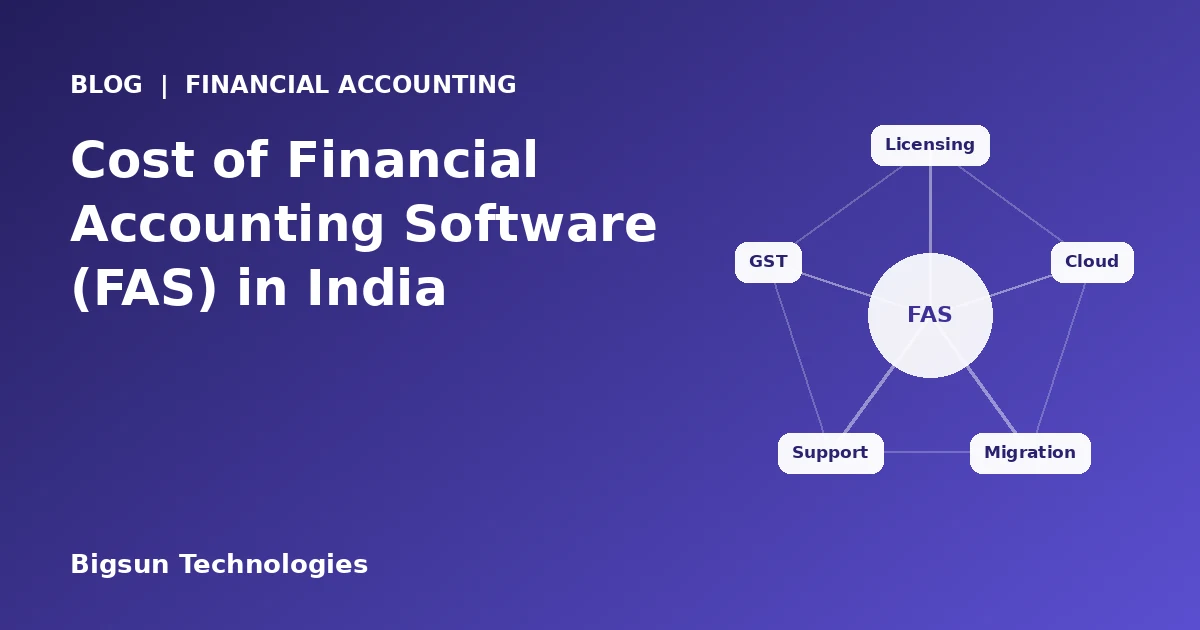
"How much will accounting software cost us?" is one of the first questions finance heads and business owners ask, and one of the hardest to answer in a single number. Two quotes for the same business can differ widely because they may not include the same things.
This guide does not quote prices, because actual cost depends on your scope and the vendor's model. Instead, it explains what drives the price of financial accounting software, where businesses get surprised, and how to compare options on a like-for-like basis.
What Is Financial Accounting Software?
Financial accounting software (often shortened to FAS) records and reports a company's financial transactions. At its core are the general ledger, accounts payable and receivable, purchases and sales entries, payments and receipts, bank reconciliation, taxes and statutory reports. More complete systems add budgets, approval workflows, multi-company and multi-location support, and links to inventory, procurement or other business applications.
Why Businesses Need Accounting Automation
Manual or semi-manual accounting works until volume, entities or compliance demands grow. Automation helps in several ways:
- Fewer manual entries and fewer errors, since data is captured once and reused
- Faster month-end closing, with reconciliations and provisions handled by the system
- Stronger control through maker-checker steps, approval workflows and audit trails
- Easier GST and e-invoicing data preparation from original documents
- Quicker access to reports for owners, CFOs and auditors
- Less dependence on a few individuals who "know the file"
Cost should be judged against these gains. A cheaper tool that leaves reconciliation, approvals and compliance work manual may cost more in staff time than a more capable one.
Factors That Affect the Cost of Financial Accounting Software
The price you are quoted is usually the sum of several parts. Understanding them helps you ask better questions.
| Cost factor | What it covers | Why it changes the price |
|---|---|---|
| Users | Number of people who need access, and their roles | More users or named licences usually mean a higher fee |
| Companies and locations | Legal entities, branches, plants or offices | Multi-company and multi-location setups need more configuration and licensing |
| Modules and features | Core accounting, budgeting, bank reconciliation, approvals, MIS, integrations | A wider scope costs more than a basic ledger |
| Deployment model | Cloud, on-premise or hosted | Changes upfront versus recurring cost and infrastructure needs |
| Implementation | Requirement study, setup, testing, go-live support | More complex processes need more effort |
| Customisation | Custom workflows, reports, formats | Changes beyond standard features are priced separately by many vendors |
| Data migration | Moving masters and balances from existing systems | Volume and data quality affect effort |
| Integrations | Links to banks, GST portals, ERP, payroll, other tools | Each integration adds development and testing |
| Support and upgrades | Helpdesk, updates, compliance changes | Often an annual or subscription charge |
Cloud-based vs on-premise accounting software
Where the software runs changes both the cost structure and the day-to-day experience.
| Aspect | Cloud-based (web) | On-premise |
|---|---|---|
| Upfront cost | Usually lower; no server purchase | Usually higher; servers and setup |
| Ongoing cost | Recurring subscription or hosting fee | Annual support fee plus infrastructure upkeep |
| Access | From any location with internet, subject to access controls | Typically limited to office network unless extended |
| IT effort | Handled largely by the vendor or host | Handled by your IT team or a partner |
| Updates | Delivered centrally | Scheduled and applied on your servers |
| Control | Depends on vendor and hosting arrangement | Full control over servers and data location |
For multi-location businesses, web-based access often reduces the effort of collecting data from branches. For businesses with strict internal data policies, on-premise or private hosting may fit better. Ask both questions: what will we pay, and what will we have to manage?
User licensing and subscription models
Vendors package pricing in different ways, and the model matters as much as the amount:
- Perpetual licence with annual support: a larger one-time fee plus yearly support or upgrade charges.
- Subscription: a recurring fee, often based on users, entities or modules.
- Named vs concurrent users: named licences are tied to individuals; concurrent licences allow a set number of simultaneous users.
- Per-company or per-location charges: relevant when you run several entities or branches.
- Module-based pricing: you pay for the modules you use, which can grow as needs expand.
Ask what happens to the price when you add a user, a company or a module, and what happens if you want to stop.
Implementation and customisation costs
Software is only useful once it matches your chart of accounts, approval structure, tax setup and reporting needs. Implementation typically includes understanding requirements, configuring masters and workflows, testing, training users and supporting go-live. Customisation, such as special reports, document formats or workflows, adds to this. Standard configuration is usually cheaper than custom development, so check how much of your requirement can be met without changes.
Data migration and integration costs
Moving opening balances, ledgers, vendors, customers and sometimes history from an existing system takes planning. Cleaner source data means less effort. Integrations with banks, payroll, ERP or procurement systems, and the exchange of data with GST and e-invoicing services, are further work items. Ask whether migration and integration are included in the quote or priced separately.
Maintenance, support and upgrades
Accounting rules and tax requirements change, so software must keep up. Check what annual or subscription fees cover: helpdesk hours, response times, bug fixes, statutory updates and version upgrades. Understand the difference between routine updates and chargeable enhancements.
Hidden Costs Businesses Should Consider
The quote is rarely the whole story. Before you sign, ask about:
- Charges for additional users, companies, branches or modules
- Training for new joiners, and refresher sessions
- Custom report development after go-live
- Support charges after the initial period
- Upgrade fees for major versions
- Infrastructure, backup and security costs for on-premise setups
- Internal staff time during implementation and parallel running
- The cost of exiting, such as exporting your data if you change systems
Free Accounting Tools vs Professional Accounting Software
Free tools have a place. A small proprietorship with a handful of transactions and a chartered accountant handling filings may not need more. The picture changes as the business grows.
| Need | Free or basic tools | Professional accounting software |
|---|---|---|
| Multiple users and roles | Often limited | Role-based access and controls |
| Approval workflows and audit trail | Usually limited or absent | Typically built in |
| Multi-company and multi-location | Rarely supported | Supported in many systems |
| GST, e-invoicing and statutory reports | May need manual workarounds | Designed for Indian compliance |
| Integration with other systems | Limited | APIs and integrations available |
| Vendor support and accountability | Community or self-help | Defined support arrangements |
The question to ask is not "what is the cheapest option?" but "at what point does manual work, risk and rework cost more than the software?"
Tally Alternatives and What to Consider When Evaluating
Tally is widely used by Indian businesses and accountants, and many companies run well on it. Businesses start looking at alternatives for specific reasons, and it helps to be clear about yours before comparing.
Questions worth asking include:
- Do we need web-based access for several branches or users at once?
- Do we need stronger approval workflows, such as maker-checker for payments and vouchers?
- Do we want accounting tightly connected to purchase, sales and inventory?
- Do we need consolidated reporting across companies or locations?
- How will existing data be migrated, and will our auditors and consultants be comfortable with the outputs?
- What training will our accounts team need?
Evaluate any alternative against your own requirements and a real demo of your own transactions, rather than on a feature checklist alone. A fair comparison respects what the current tool does well.
GST, E-Invoicing and Indian Compliance Requirements
Indian accounting software should help you meet compliance without extra manual effort. Key areas to check:
- GST: tax invoices, correct tax treatment, HSN or SAC codes, and data for GSTR returns and reconciliation of purchase data.
- E-invoicing: generation and handling of e-invoice data for businesses covered by the rules. Applicability is based on turnover thresholds notified by the government, so confirm current requirements with your tax advisor.
- E-way bills: data needed for movement of goods, where applicable.
- TDS: deduction, tracking and reporting.
- Audit trail: Companies Act rules expect accounting software used by companies to maintain an audit trail of changes, so confirm this feature is built in and cannot be switched off.
- Statutory reports: trial balance, ledgers, balance sheet, and formats your auditors need.
Ask how and how quickly the vendor updates the software when rules change.
How to Select the Right Financial Accounting Software
- Write your requirements down. List users, entities, locations, approvals, reports and compliance needs.
- Decide on deployment. Consider cloud, on-premise or hosted based on access, IT capacity and data policy.
- Request like-for-like quotes. Ask every vendor to price the same scope, including implementation, migration, training and support.
- Calculate total cost over three to five years. Include licences or subscriptions, support, upgrades and internal effort.
- See a demo with your own data or scenarios. Test payments, receipts, bank reconciliation and a statutory report.
- Check support and continuity. Ask about response times, upgrade policy and how the vendor handles regulatory changes.
- Involve finance, IT and the auditor. The people who use and rely on the output should be part of the decision.
How Bigsun Financials (FAS) Can Help Your Business
Bigsun Financial Accounting System (FAS) is web-based financial accounting that covers budgets, purchases, payments, receipts, bank reconciliation and statutory reports across all your locations. Bigsun's wider ERP platform also provides auto bank reconciliation and auto provisions to reduce manual work, along with maker-checker controls, approval workflows and audit trails.
GST, e-invoicing and statutory compliance are built into the platform, and workflows, approvals and reports can be configured around how your business already works. Because the same Bigsun team handles requirement analysis, configuration, data migration, user training and post go-live support, you have one point of accountability for implementation. Bigsun Technologies has been building and implementing business software for 17+ years.
Pricing depends on the number of users, entities, modules and the implementation scope, so the best way to get an accurate figure is to share your requirements and request a proposal. If FAS needs to work alongside other processes, Bigsun's ERP software connects accounting with procurement, sales, inventory and reporting.
Final Thoughts
The cost of financial accounting software is more than a licence fee. Licensing model, deployment, implementation, migration, support and the time your own team spends all add up. Compare vendors on the same written scope, look at the total cost over several years, and test the software on your real transactions before deciding.
If you would like to discuss your requirements and see how Bigsun Financials could fit, our team will be glad to arrange a walkthrough.
Related Reading
- 5-Step Guide to Choosing the Perfect ERP Software for Your Business
- 10 Reasons to Choose the Best Manufacturing ERP Software
- Test yourself: Accounting & GST Basics Quiz
- Free Online Calculators